






 Tools for monday.com






Trusted by 4000+ clients























What should I choose a checklist
or a subtask in Jira?
Use a checklist when the steps belong to the same work item and don't need their own assignee, status, or ticket ID. Use a subtask when a piece of work is substantial, has its own deliverable, or needs a separate person owning it end to end.
Out of the box, Jira handles small steps two ways. Subtasks break work into full-fledged child work items with their own screens, fields, and history. Jira's native action items add simple checkboxes, but they don't carry assignees, due dates, statuses, templates, or JQL support.
Smart Checklist adds the middle layer teams actually work in.
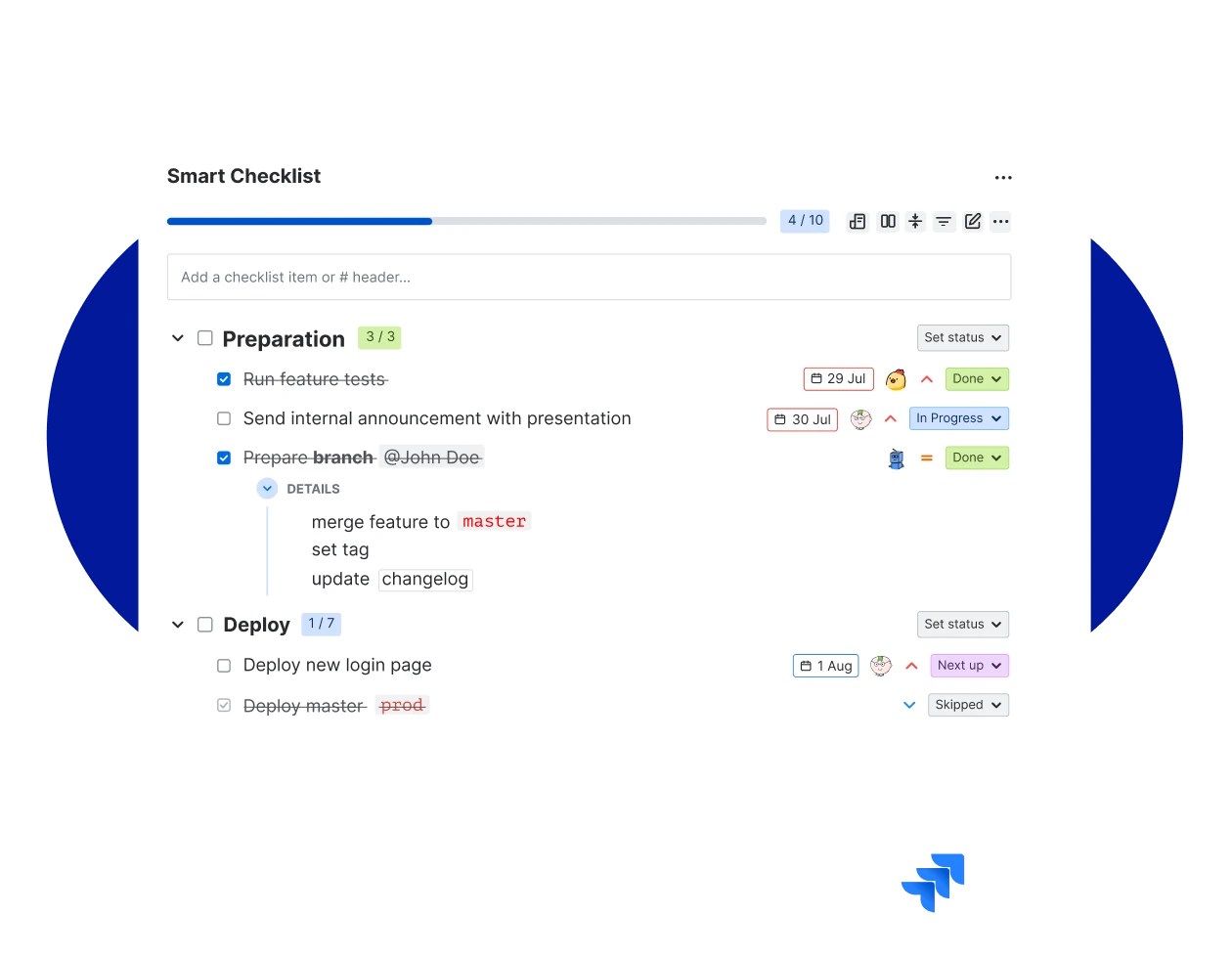
- Each checklist item gets an assignee, due date, and custom status without a new issue key.
- Save any checklist as a template and apply it automatically on issue creation or workflow transition.
- Mark items as mandatory to block a transition until they are complete.
Smart Checklist or Jira subtasks?
Break work into checklist items inside the same Jira issue. Assign, track, and close, without a new ticket for every step.
| Made to |  Smart Checklist Smart Checklist |  Jira subtasks Jira subtasks |
|---|---|---|
| Try for Free | ||
| Break a work item into smaller pieces |  | |
| Save the list as a reusable template | |  |
| Add automatically without a Jira Automation rule | | |
| Block a workflow transition until required items are done | | |
| Show progress on the parent card without adding new board cards | | |
Learn more about jira subtasks and smart checklist pros and cons
Subtasks cluttering your board?




With Smart Checklists your team can
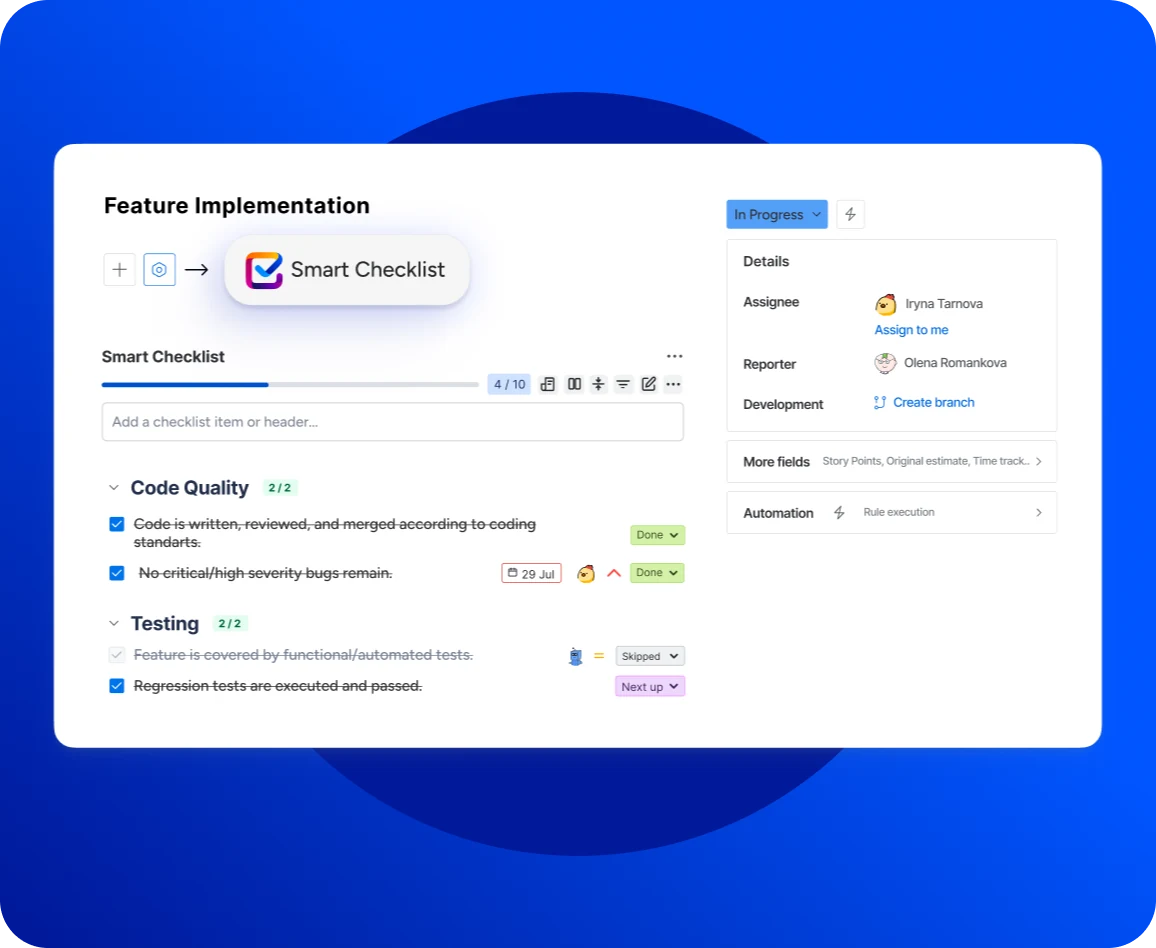
Keep subtask chaos under control
- Break down work items into actionable to-do lists without the subtask overhead.
- Set assignees, due dates, custom statuses, and priorities on each checklist item.
- Add details and links right inside the Jira issue view.
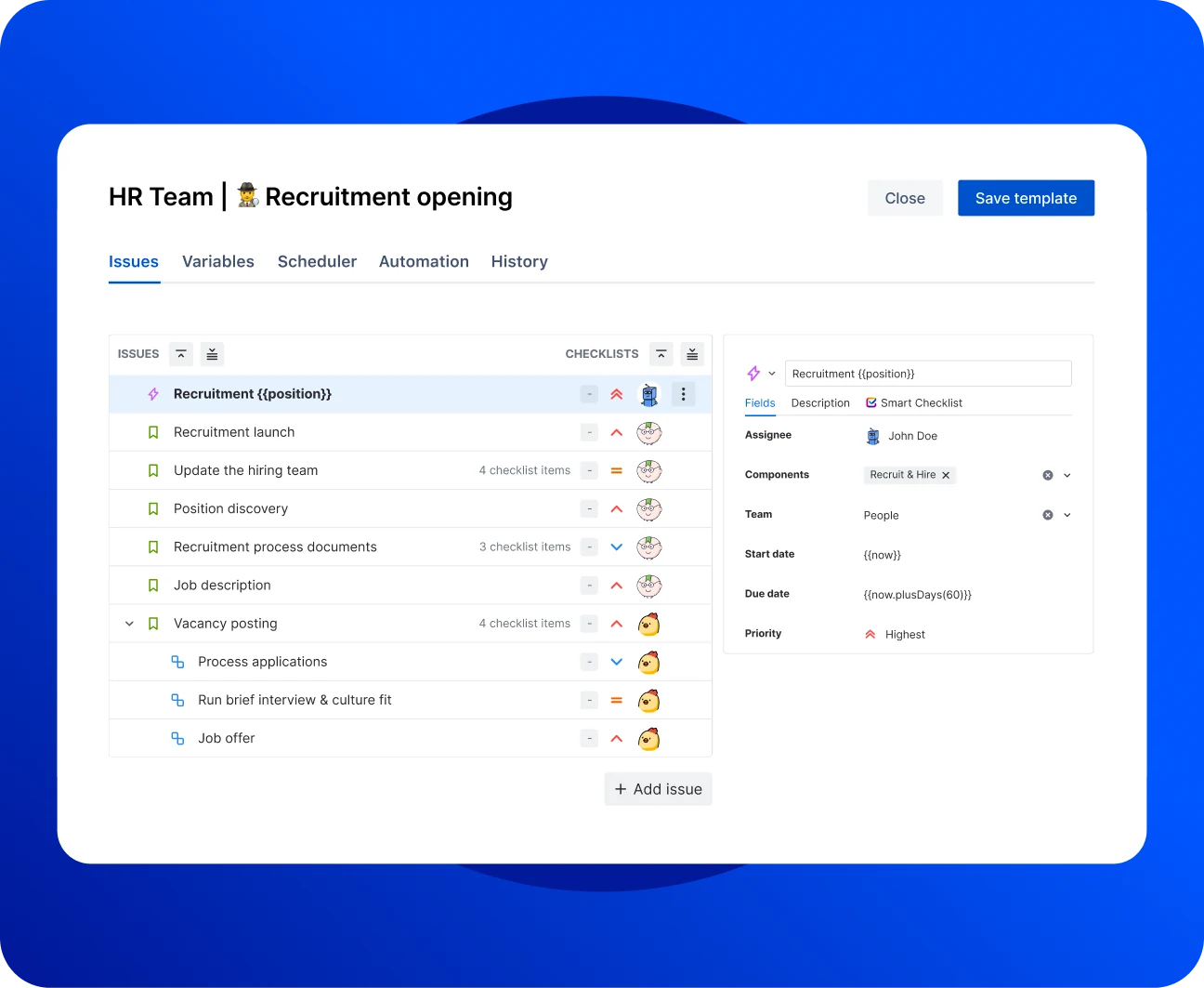
Use checklist templates for recurring processes
- Standardize processes and enforce compliance with reusable checklist templates.
- Add them to work items automatically based on issue type, field value, or workflow transition.
- Use templates for Definition of Done, Acceptance Criteria, Code Review, and Onboarding.
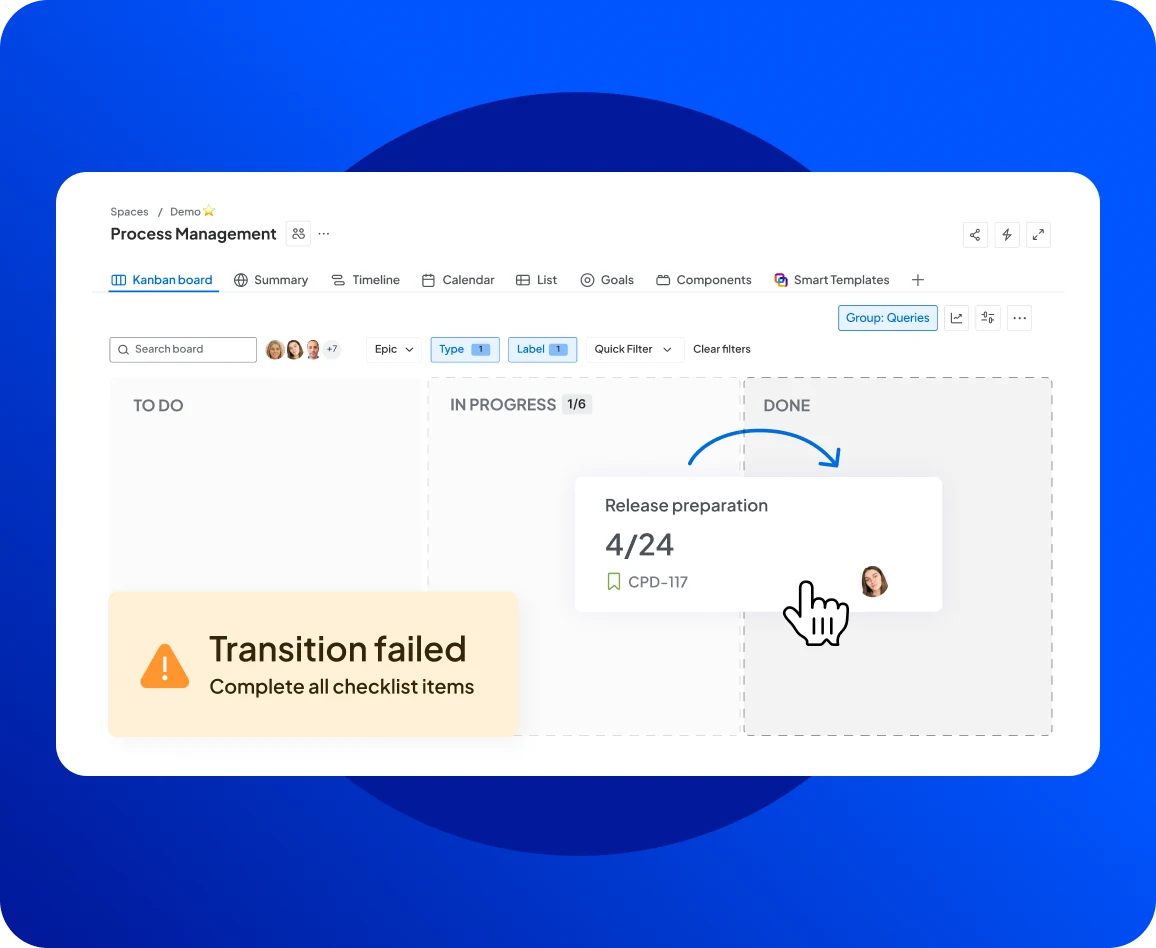
Automate, validate, and govern checklists at scale
Save time with native checklist automation. Add accountability to your project management process without opening new tickets. Works with Automation for Jira, JQL, workflows, and the Jira REST API.
- Validate checklist completion on workflow transition.
- Manage who can edit checklists
- Track every change in history.
See how customers run this at scale in the case study.
Check Case StudyWorks with the Jira
you already run
Smart Checklist installs from the Atlassian Marketplace in a couple of clicks and runs inside your existing project management setup. It runs on Atlassian Forge, so all data stays on Atlassian infrastructure.
Pair it with Jira Automation for the events Smart Checklist doesn't cover natively. Trigger a checklist from a custom field change, a sprint event, or any Jira rule.
Add checklists to Jira Service Management request types. Every ticket picks up the right template from the moment it's created, and support agents see the same steps on every request of that type.
Search checklist content with JQL, block workflow transitions with validators, and roll checklist progress into your Jira dashboards. Your existing Jira governance still applies. Nothing to rewire.
Subtasks marked done, story still broken?
Frequently Asked Questions 🤔
Haven't found an answer? Try our blog or contact support
Use a checklist when the steps are part of the same work item and don't need their own assignee, deadline, or ticket ID. Definition of Done, Code Review criteria, and Acceptance Criteria all fit this pattern. Use a subtask when the child work is substantial, has its own deliverable, or needs a separate person owning it end to end. For a full side-by-side, see the Jira Subtask vs Jira Checklist guide.
A Jira subtask is a full child work item with its own issue key, assignee, custom fields, comments, and history. It shows on the board as a separate card. A checklist item lives inside the parent work item, carries its own assignee, due date, and custom status, and shows as progress on the parent card without adding new tickets.
Yes, partially. Jira's native action items let you type [] in the description or a comment to add a simple checkbox. Native action items don't support assignees, due dates, custom statuses, reusable templates, JQL search, or workflow validation. For that, install a checklist plugin like Smart Checklist from the Atlassian Marketplace.
No. Jira's default work item hierarchy does not allow nesting a subtask under another subtask. A common alternative is to add a Smart Checklist to the parent subtask, so the granular steps live inside it as checklist items with assignees, due dates, and priorities. For the full walkthrough, see the Subtask of a Subtask in Jira guide.
Smart Checklist progress shows on each work item card as a completion count (for example, 7/10). The Checklists field and Smart Checklist Progress field are queryable in JQL, so any Jira dashboard gadget can slice by checklist state. Smart Checklist also ships dedicated dashboard gadgets: Completion Gadget, Assigned to Me, and Pie Chart for status distribution.
Yes. Open the three-dot menu on any checklist item and select Convert to Subtask. Smart Checklist creates a new subtask with the item's content, keeps it linked to the parent, and marks the original checklist item as done. This is the practical answer to task dependencies that outgrow a single work item.